 Cookie Editor
Why You Should Never Share Your Sign-In Cookies
That long random cookie value is effectively a password while the session lasts. What happens if it leaks, and what to send support instead.
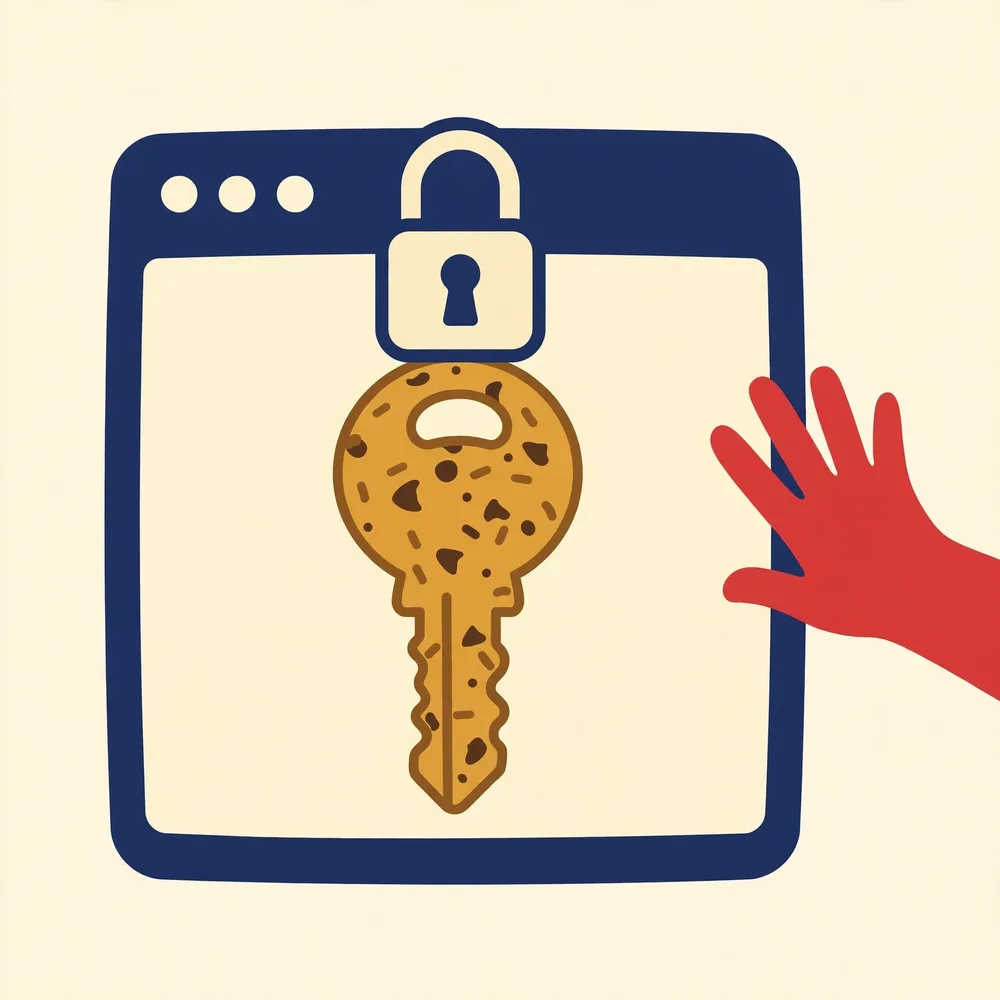
Every “stay signed in” feature on the web runs on one simple bargain: after you log in, the site gives your browser a session cookie, and from then on your browser just shows that cookie instead of your password. It follows that the cookie value *is* a credential for as long as the session lives. Sharing it, in a screenshot, an export file, a support ticket, a chat with a stranger offering to “fix” your account, can hand someone your signed-in session on a plate.
What someone can do with a session cookie
With a current session cookie for a site, another browser can present it and be treated as your signed-in session, no password, and often no second factor, because those were already proven when the session was created. The attacker does not get your password itself and cannot usually change it without re-authenticating, but everything the session can do, read messages, change settings, make purchases where payment is on file, may be open until the session expires or is revoked. This technique is called session hijacking or cookie theft, and it is why malware that steals browser cookies is so prized by criminals.
The everyday ways session cookies leak
- Screenshots posted to forums or sent to support with Cookie Editor open on a signed-in site, values fully visible.
- Export files (JSON or cookies.txt) attached to a bug report, pasted into a chat, or left in a synced cloud folder.
- “Helpful” strangers asking you to install an unknown extension or send your cookies so they can “check your account”, a classic scam script.
- Copy-pasted headers in public code snippets or gists that include a real Cookie header from a live session.
What to share instead when you need help
Legitimate support almost never needs a cookie value. Share your browser and version, the extension version, the steps you followed, and the result. If a screenshot helps, take it on a test page with a harmless preference cookie (a theme value), or blur the value fields before sending. If you must demonstrate a problem on a real site, use a throwaway test account whose session is worthless to anyone.
If you think a session cookie leaked
- Sign out of the site everywhere: use the site's “sign out of all devices / sessions” option if it has one, this revokes the session server-side.
- Change your password, which forces most sites to issue fresh sessions and drop old ones.
- Delete the site's cookies in your browser and sign in again, so your browser holds only the new session.
- Check the account's recent-activity or security page for sessions you do not recognise.
How these thefts usually happen
The pattern repeats across support forums and scam reports. Someone has a problem, an account issue, a game item, a locked profile. A helpful stranger, or a fake support account, asks for 'just the cookie value' to check something on their side. The victim copies it from an editor or from DevTools, pastes it into a chat, and within minutes the account is active somewhere else, sometimes with the password and email changed so the real owner cannot get back in. No hacking skill is involved at the receiving end: a cookie importer and thirty seconds is the whole toolkit, which is exactly why the request is made so casually.
Legitimate support never needs it
Real support teams have their own tools. They can see your account state from their side, reset a session, or ask you to sign in again; at no point does a genuine process require the value of a cookie from your browser. The same is true of this website: no guide here will ever ask you to send a cookie value, and the contact page repeats that warning for a reason. Treat the request itself as the red flag, whoever it appears to come from, because accounts and inboxes get impersonated precisely to borrow trust.
| Who asks | Verdict | Do instead |
|---|---|---|
| A stranger in a forum or chat | Scam, every time | Stop, and report the account |
| An account claiming to be support on social media | Scam | Use the service's official support route |
| A marketplace buyer or seller | Scam | Keep the conversation on the platform |
| Your own IT department, verifiably | Still no | Let them use their management tools, or sign in again |
| A website you are signing in to | It never asks in chat | Cookies are sent by the browser automatically |
If you already shared one
Act quickly and in this order. Sign out of the service everywhere it offers that option, most account pages have a 'sign out of all devices' or session list in their security settings; signing out ends the session the cookie points to, which is what makes the copied value useless. Then change the password, because a session thief may have seen account details while inside. Turn on two-factor authentication if it was off. Then check the account's recent activity, email rules and recovery addresses for changes you did not make. Speed matters more than sequence perfection: every minute the session stays live is a minute it can be used.
Frequently Asked Questions
Does the cookie expire on its own anyway?
Session cookies end when the browser closes or the server's session lifetime runs out, but “remember me” sessions can live for weeks. Do not rely on expiry if a value has leaked, revoke the session actively.
Is it safe to show cookie *names*?
Names alone (theme, session_id) reveal almost nothing. The value is the credential. Names plus your browser and steps are exactly what good support reports contain.
Can a site tell if my cookie was used elsewhere?
Sites may flag impossible travel or device mismatches, but detection is not guaranteed. Prevention, never sharing the value, is the reliable defence.
Related guides

Is Cookie Editor Safe? Permissions, Data and Safe Habits
Cookie access is powerful, so the question deserves a straight answer: what the genuine extension does, what it never needs, and the habits that keep you safe.

How to Import and Export Cookies (JSON, Netscape, Header)
Move a cookie set between browsers or back it up: which format to choose, how export and import work, and how to keep the file private.
Cookie Fields Explained: Name, Value, Domain, Path, Expiry and Flags
Name, value, domain, path, expiry, Secure, HttpOnly, SameSite, what each field in Cookie Editor means and what changing it does.